
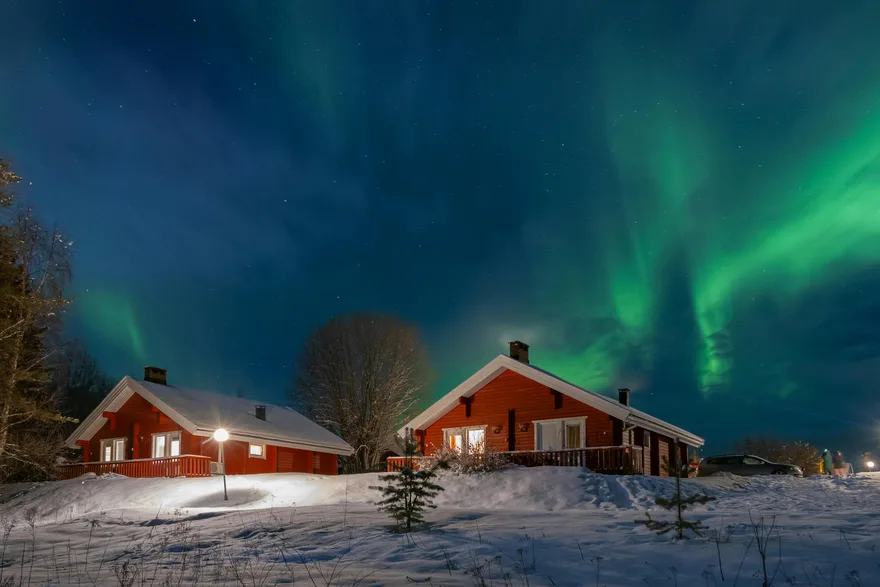
Start with Night mode
Select Night mode and use the main 1× camera with flash off. Brace the phone or use a tripod. A short timer helps avoid movement when you tap the shutter. Mode names vary by maker and camera app version.
On Pixel, compare Night Sight and Astro
In Night Sight, supported Pixels may offer Astrophotography once the phone is steady. Google specifies 1× or higher on Pixel 4a (5G) and newer. Take a Night Sight shot first. Try Astro for a slow arc and go back to the shorter capture if its shapes blur together.
On Galaxy, try a short exposure in Pro mode
If Pro mode or Expert RAW gives you shutter control, try 1 to 3 s for moving aurora. Set ISO after looking at the result and focus on a star if manual focus is available. Compare the shape of the curtains with a Night mode shot. Expert RAW availability depends on the model and software.